
A clear opening
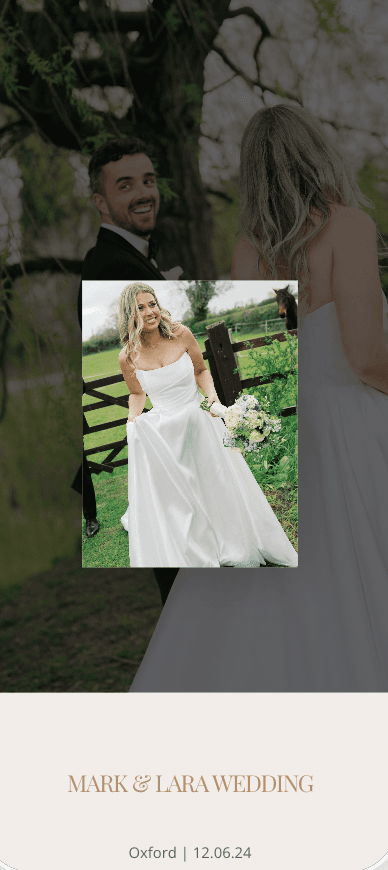
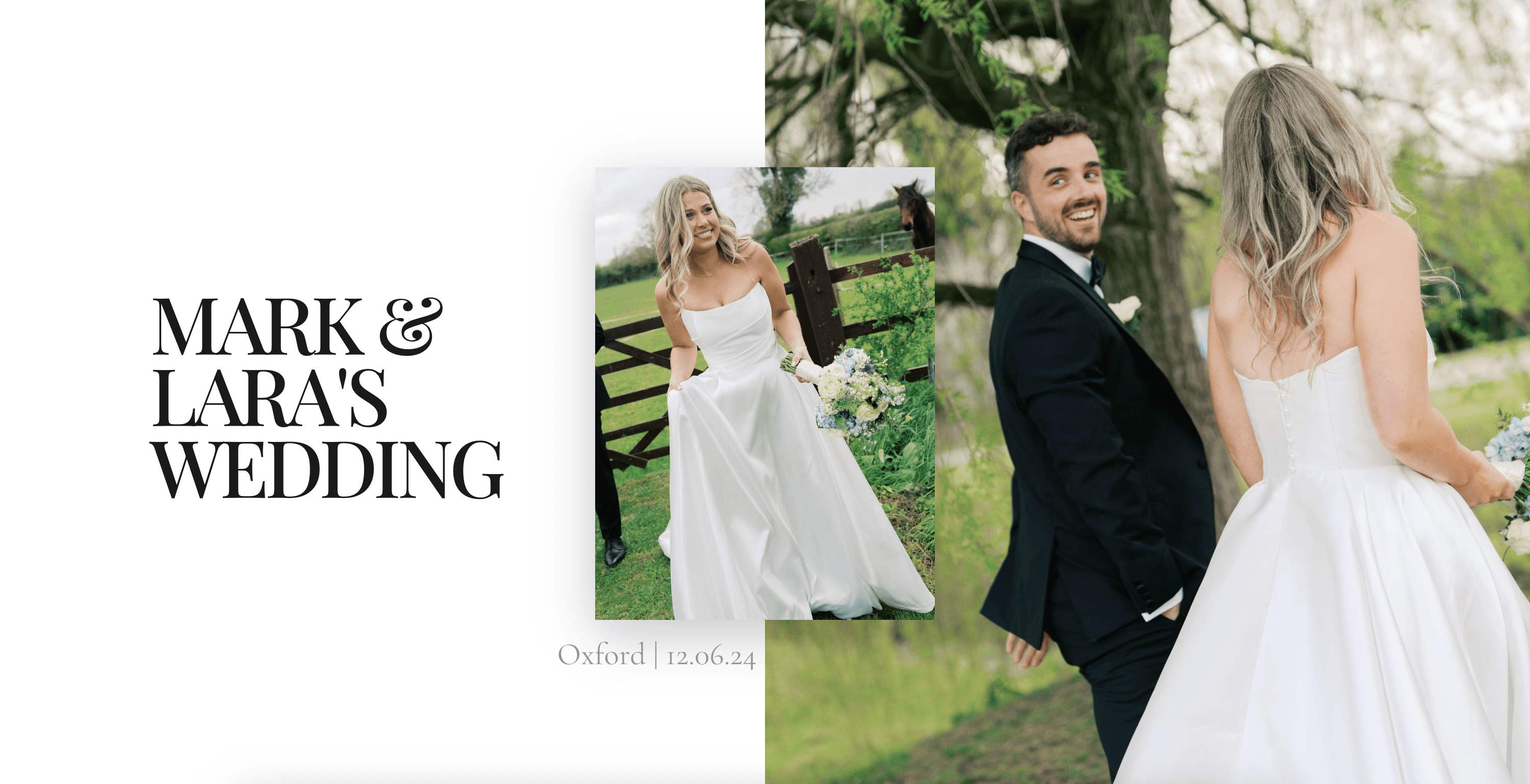
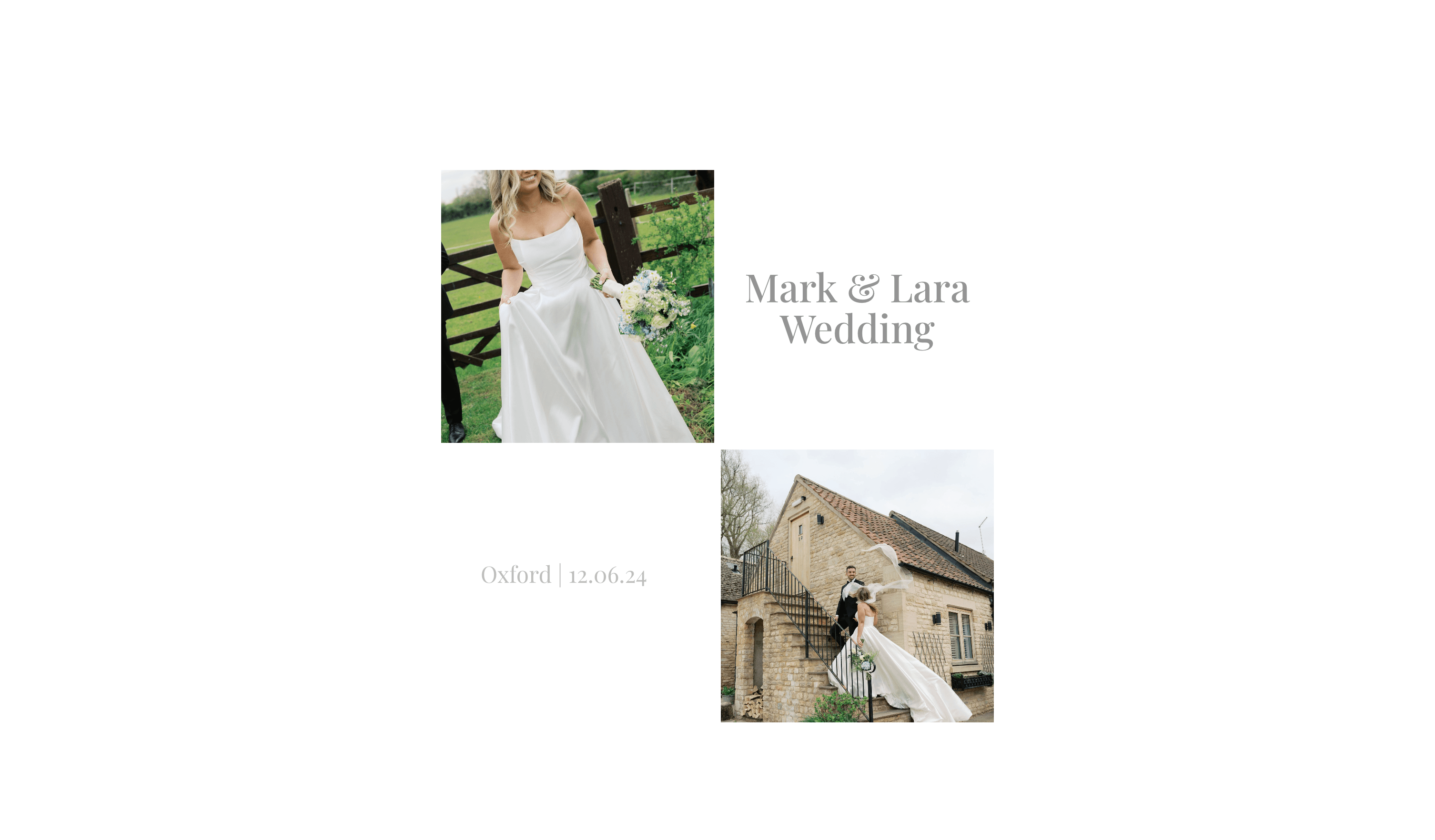
Use a recognisable cover, client names, and one concise message so the gallery feels personal before the first scroll.

Inspiration
Use Relyve to turn wedding-day photos, vertical clips, and behind-the-scenes moments into a delivery that feels considered from the first view.


Client experience
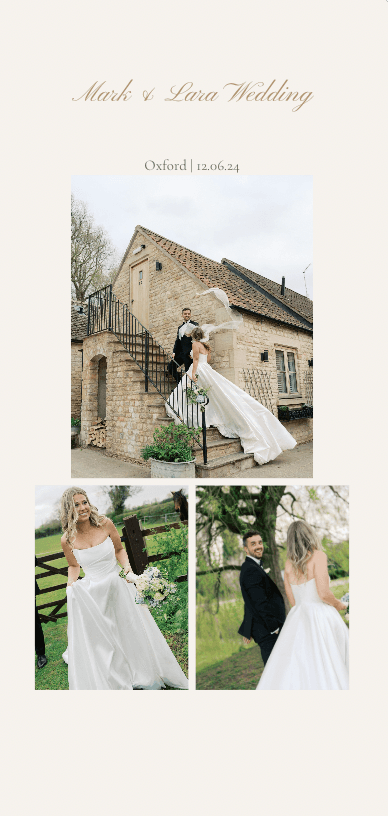
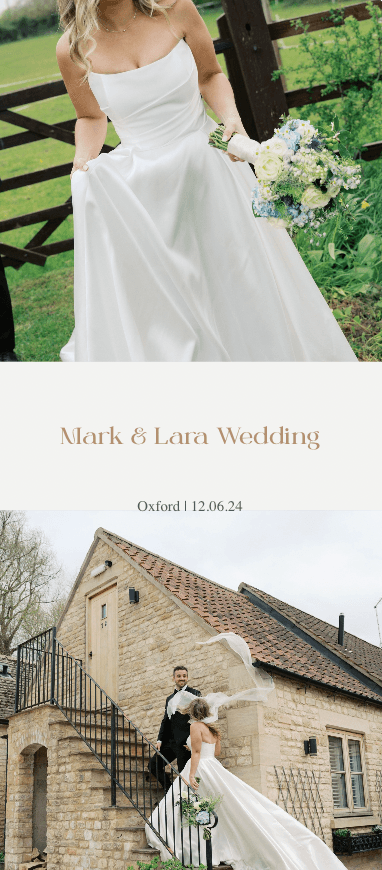
A client gallery is more than a download page. It is the last step of the creative experience: the moment a couple sees their wedding-day photos, vertical clips, and behind-the-scenes footage gathered in one place.
The strongest galleries establish the studio brand immediately, lead with a clear cover, and organise the content around moments clients recognise. That means fewer folder names to decode and fewer messages asking which link contains the final files.
What to look for
Use a recognisable cover, client names, and one concise message so the gallery feels personal before the first scroll.
Keep previews, candid clips, and finished files in one delivery instead of splitting the story across cloud folders.
Make individual and complete-gallery downloads easy to find, with no client account required to reach the content.
Repeatable delivery
A good reference should help you decide what stays consistent across every delivery. Your logo, typography, colours, opening message, and download rules can form a recognisable studio system while each client still receives their own cover and story.
Before sending a gallery, open it as the client would. Check the first screen on a phone, play a video, move between sections, and complete a download. That short review catches unclear labels and missing content before the link reaches the couple.
Mobile delivery
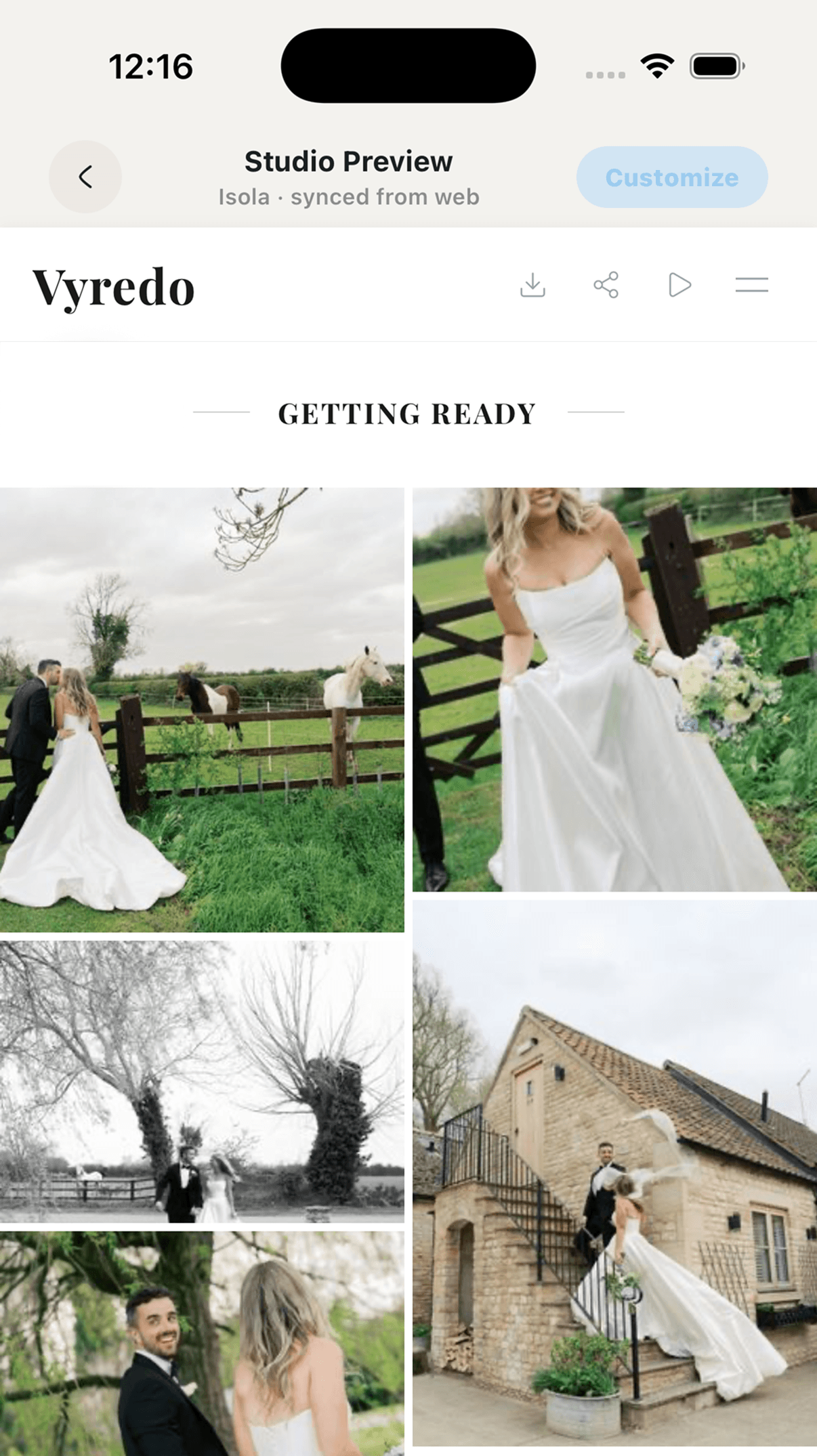
Most same-day wedding content is opened from a message on a phone. A useful gallery therefore needs readable titles, touch-friendly controls, smooth media previews, and downloads that work without forcing the client into a desktop workflow.
Relyve themes adapt the same branded delivery across phone and desktop. Start with the layout that fits the story, then refine the cover, colours, typography, and organisation for each client.